

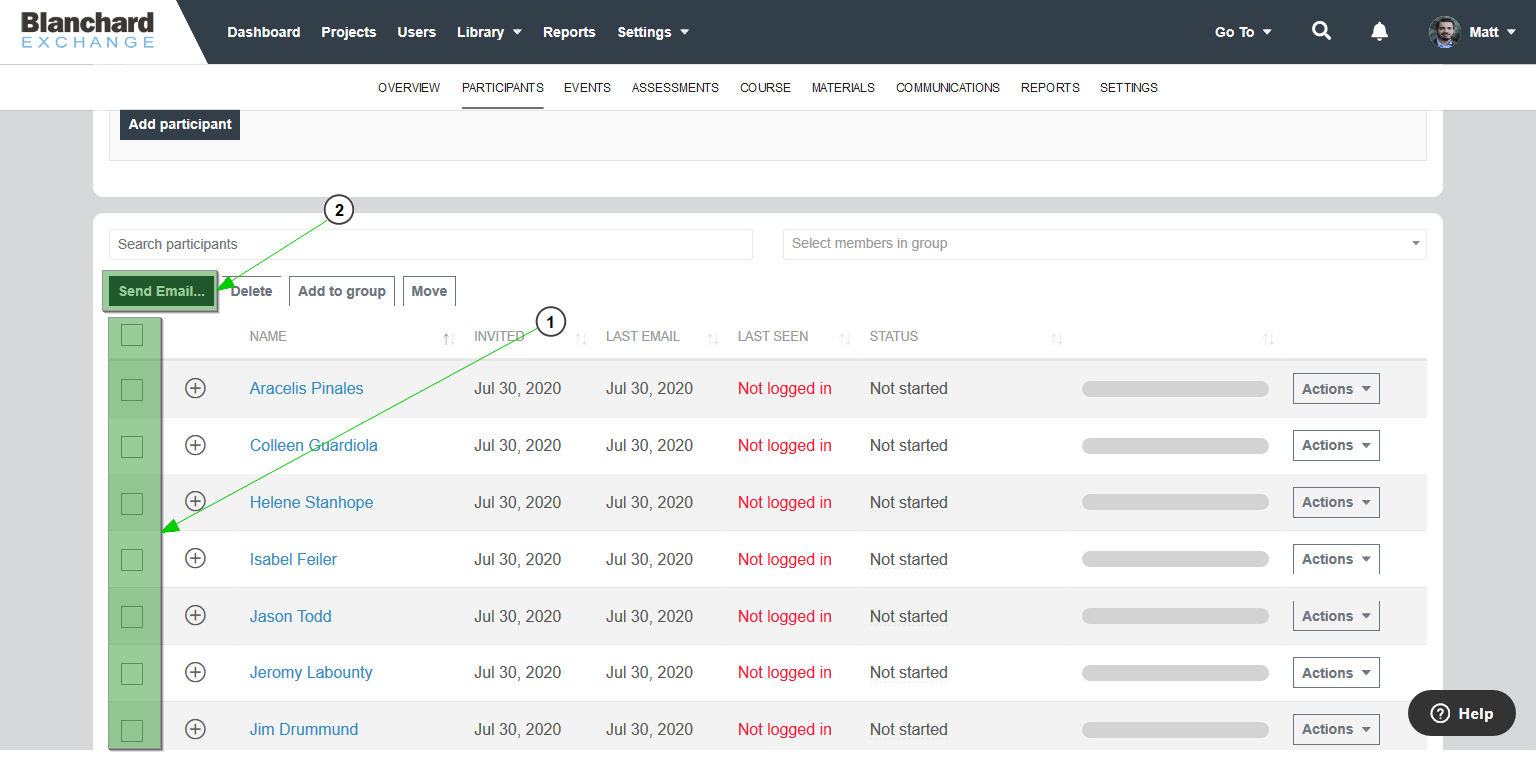
Figure 1

Figure 2
To resend an email to one or more participants in a project (including their unique login link(s) to Blanchard Exchange), locate the participant(s) in your project, select the checkbox(es) next to their name(s), and click Send Email… (Figure 1).
On the next screen, select the email template, make any necessary edits, and click Send Email (Figure 2).
Note: For security reasons, Blanchard Exchange does not include passwords in any emails. If a participant does not know their password, have them go to www.blanchardexchange.com, enter their email address, and select Forgot password? below the Sign In button. After entering their email address and selecting Reset Password, they will receive an email with a link to reset their Blanchard Exchange password.