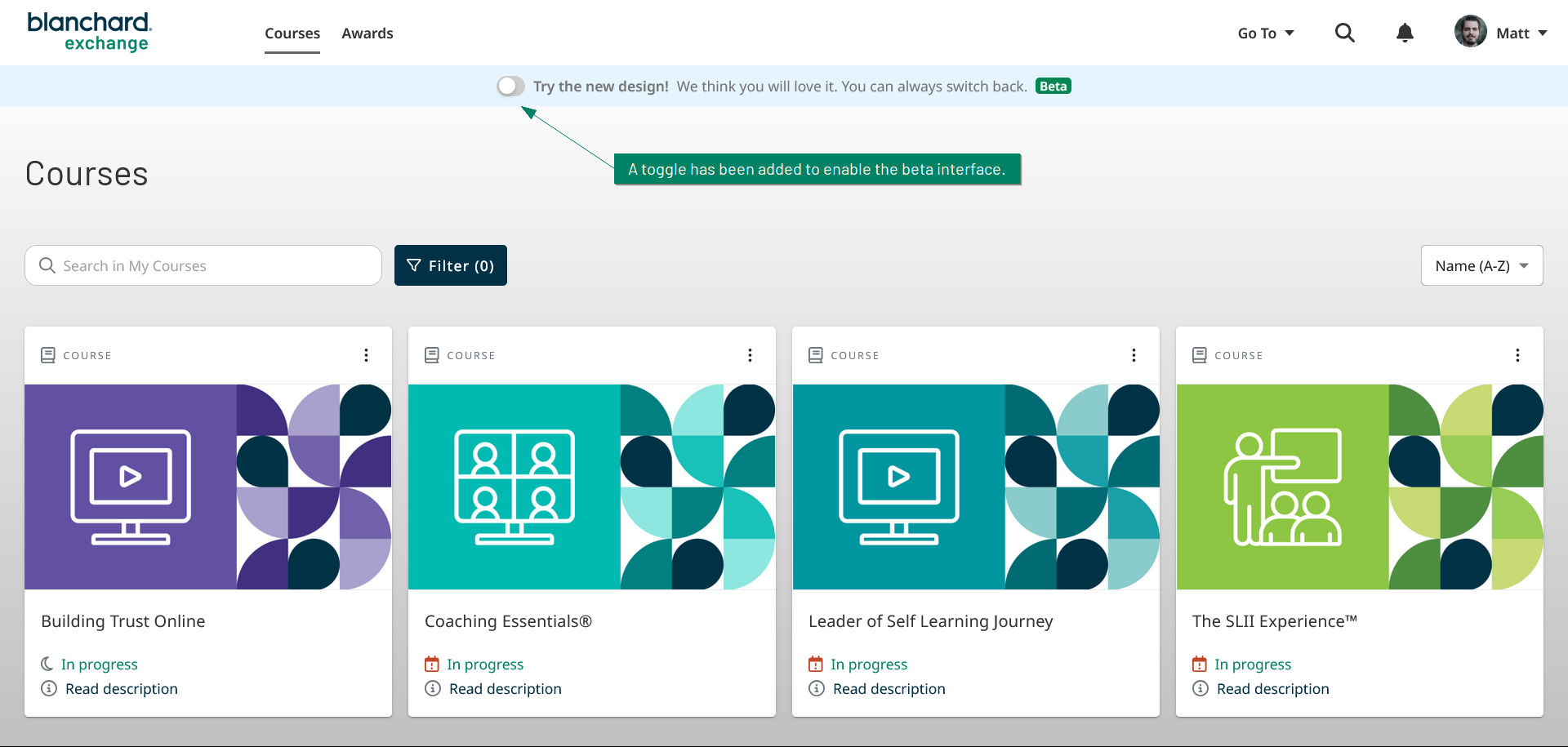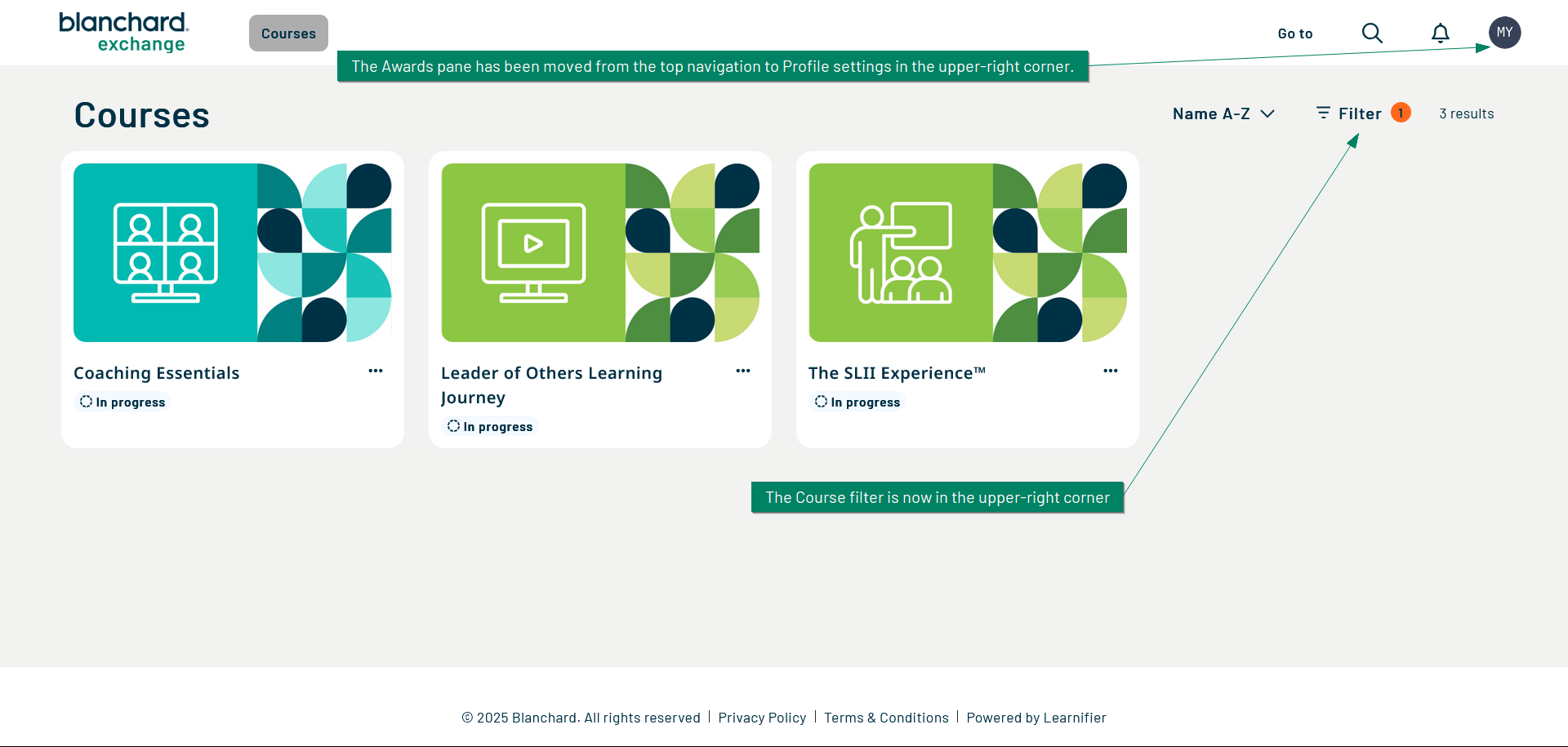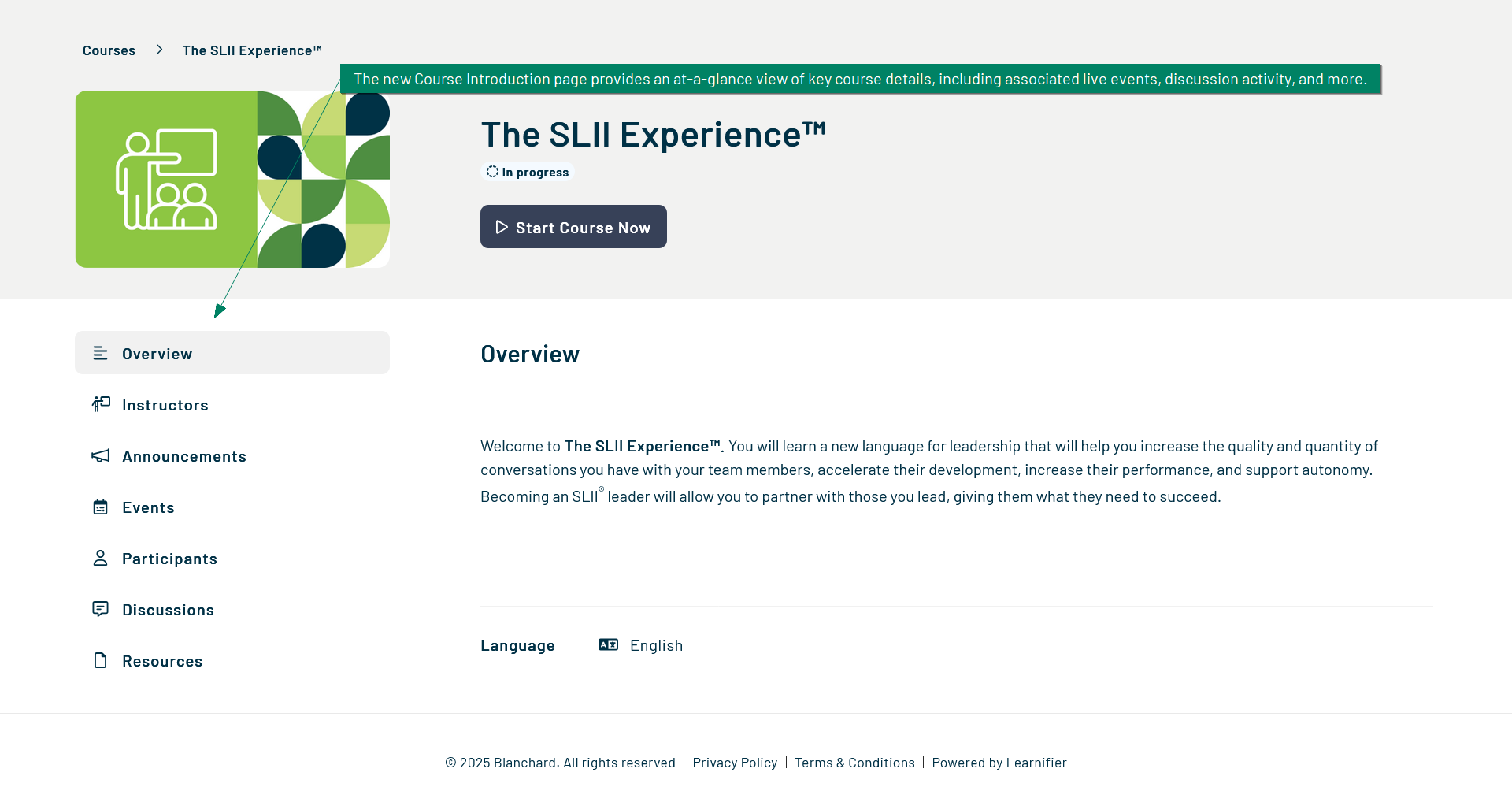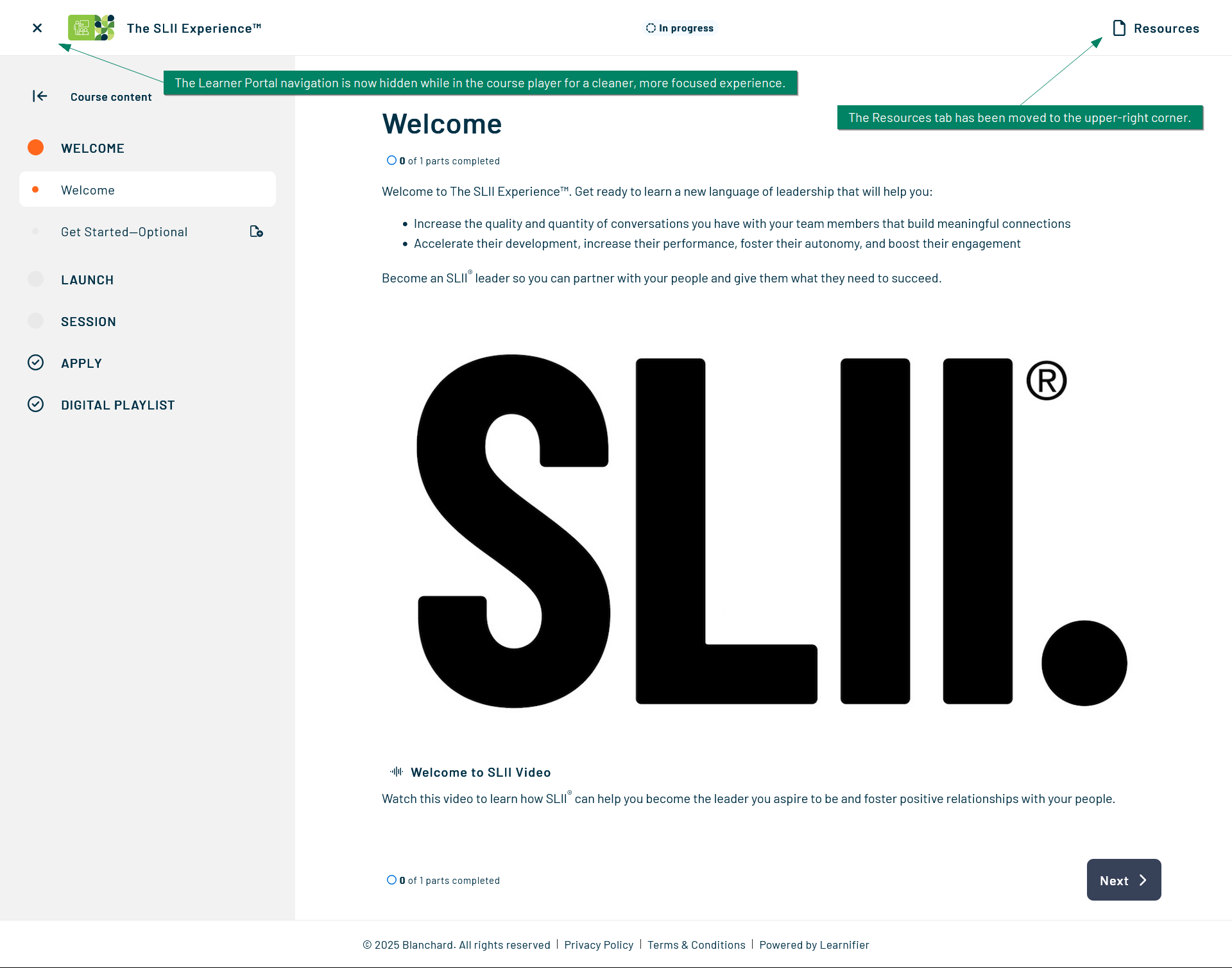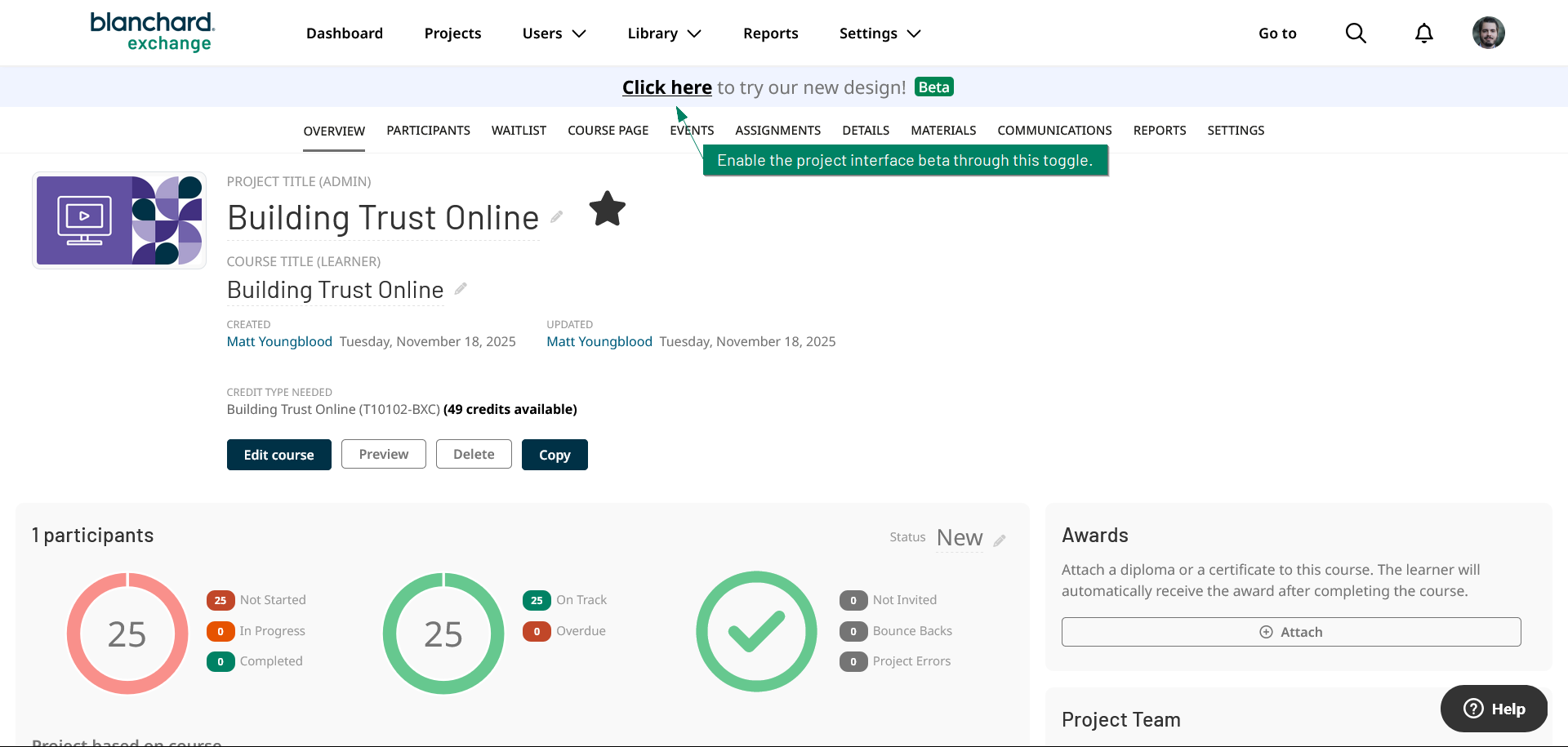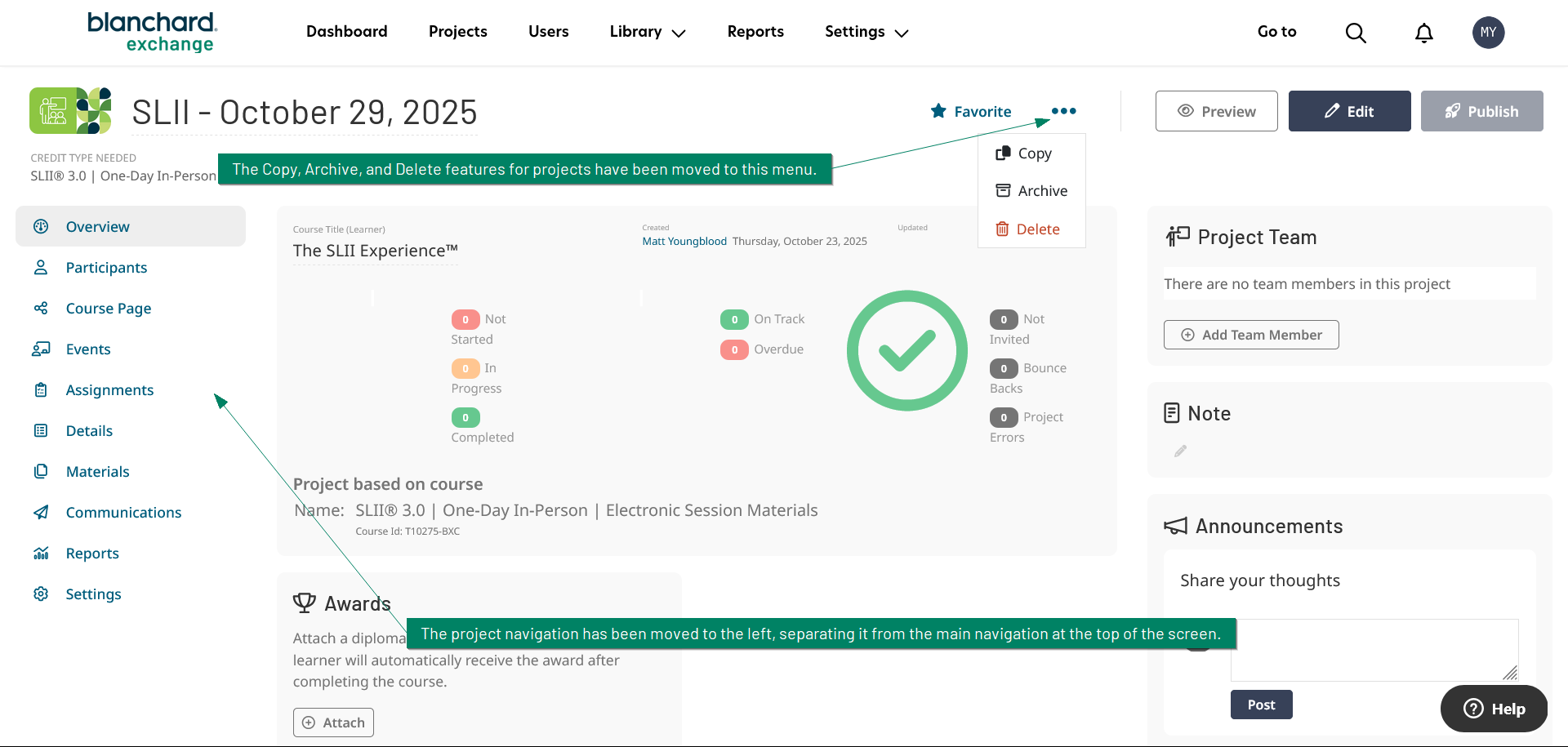
We’re excited to introduce a beta version of the Learner Portal and the project interfaces for the Corporate Portal and the Trainer Portal. This preview delivers a refreshed look and a smoother, more streamlined experience while letting you switch back to the current interface at any time.
The Learner Portal has been visually updated. Course selections now open with an introduction page that surfaces key details at a glance, such as live event information and recent discussion activity.
The Corporate Portal and Trainer Portal project interfaces feature a redesigned layout aimed at speeding up navigation and clarifying structure. You’ll notice a cleaner overview of your projects and a workflow that feels more direct and efficient for administrators and trainers.
Accessing the beta is optional. A toggle is available at the top of the screen. Turn it on to try the new experience and turn it off to return to the current interface whenever you choose. The beta will be available to all learners, Corporate Portal users, and Trainer Portal users.
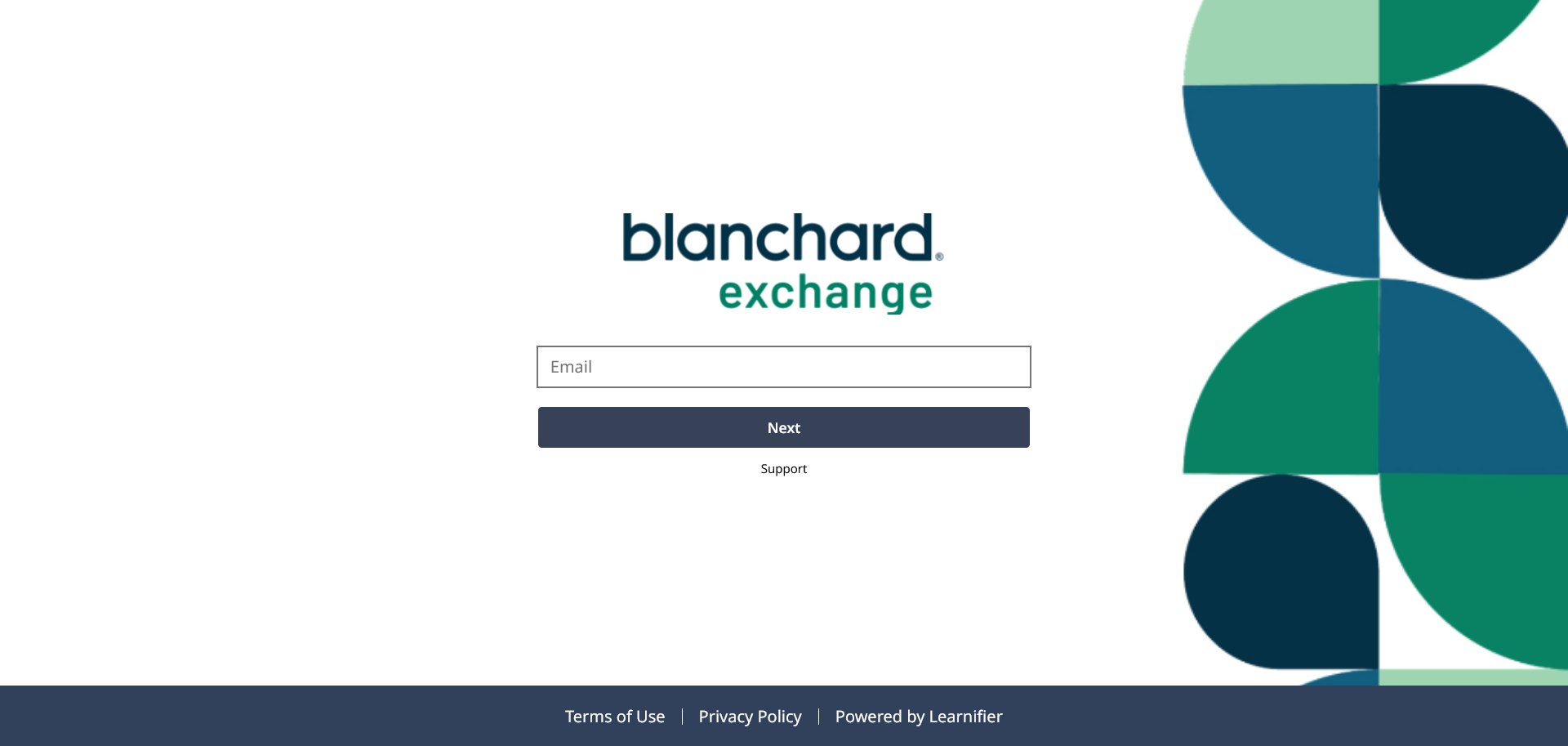
In addition to the beta, we’ve made a visual update to the sign-in page, along with the top navigation bar for the Corporate Portal, Trainer Portal, and Learner Portal. This update is strictly a visual enhancement and does not introduce new features. Branding settings will still apply to accounts that have custom branding enabled.
We’ll soon have more information to share regarding the official launch date of both interface updates.
We encourage you to share your feedback when trying this new interface! Share your thoughts here.